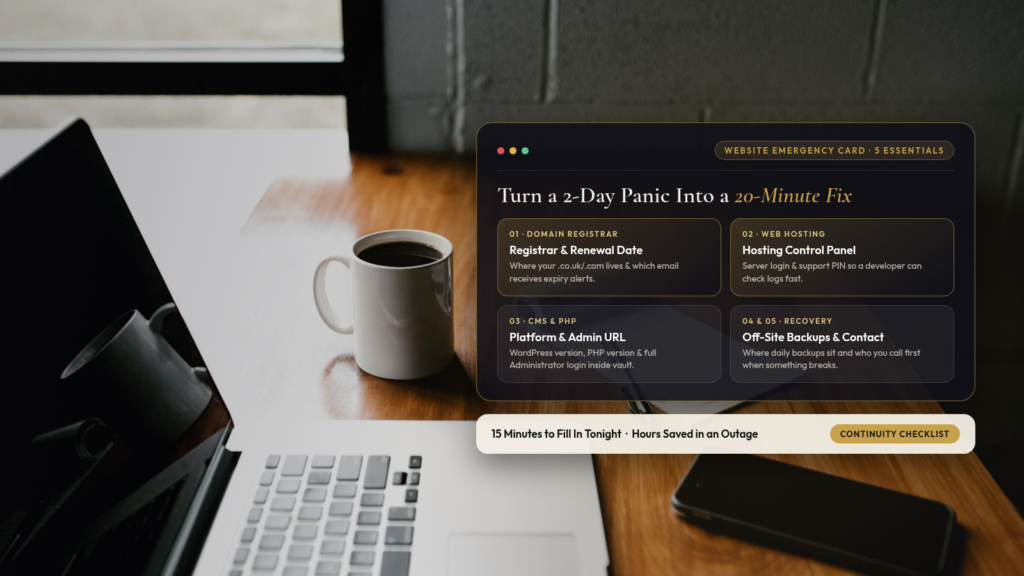
If your website went offline at 8pm tonight, showing a white screen, a security warning, or an expired domain notice, how long would it take you to put your hands on the right logins without a website emergency card?
When business owners call us in a panic because their site has gone down, the actual technical fix often takes less than half an hour. What takes two days is tracking down the designer from four years ago who registered the domain in their own account, guessing which old Gmail address holds the hosting login, or discovering that nobody ever switched on automatic backups.
You don’t need to know how to write code or configure a server. You just need five pieces of information written on a single page, which we call your Website Emergency Card.
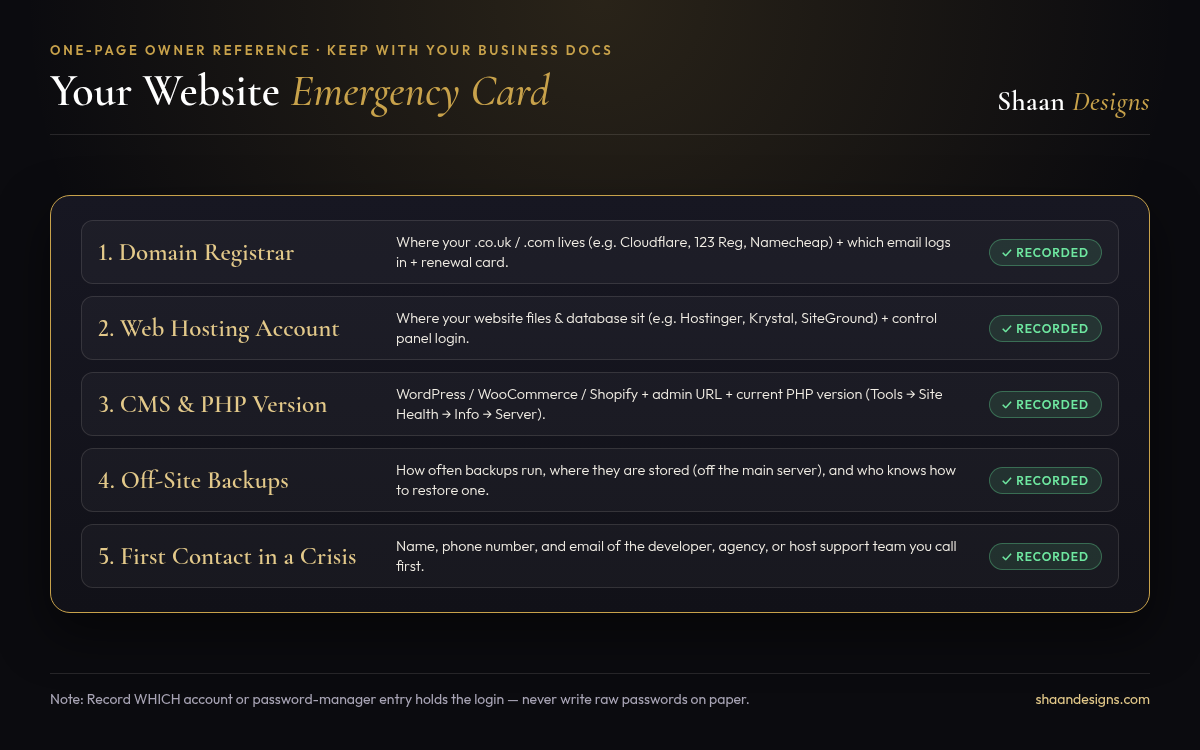
1. Where your domain name is registered
Your domain registrar (for example Cloudflare, 123 Reg, GoDaddy, or Namecheap) is often completely separate from your web host. If the payment card on your registrar account expires and the renewal emails go to an old inbox, your website and your business email can both stop working overnight.
- Write down: Which company holds your domain, which email address logs in, when it renews, and check that the account is in your name.
2. Where your website is hosted
Your web host is where your actual website files and database live (for example Hostinger, Krystal, SiteGround, or WP Engine). In a serious outage, this is the control panel a developer needs to check server logs, roll back a broken plugin, or restore a backup.
- Write down: The hosting company name, the login URL, and which email address owns the account.
3. Your CMS and your PHP version
Know what platform your site runs on (WordPress, WooCommerce, Shopify, Webflow) and the URL of your admin dashboard. If you use WordPress, log in once and go to Tools → Site Health → Info → Server to check your PHP version.
PHP is the engine underneath WordPress. Running an outdated, unsupported version of PHP is one of the most common reasons plugins break or security holes open up.

4. Where your backups live (and how often they run)
“I think my hosting company backs it up” is the sentence nobody wants to test for the first time after a crash. Check that you have automated backups running daily or weekly, that copies are stored off site (away from the main server), and write down where they sit.
5. Who you call first when something breaks
Write down the name, phone number, and email of the person or team responsible for looking after your site, plus your hosting company’s 24/7 support link as a backup.
Don’t write raw passwords on a piece of paper stuck to the office wall. Instead, use your Emergency Card to record which company, which email address, and which password manager entry holds each login, so you (or someone you trust) can find the keys in two minutes without exposing your passwords.
Not sure where your domain or hosting actually lives?
Even without a filled-in website emergency card or logins, we can look up your public domain records in two minutes and tell you who hosts your site, who manages your domain, and what to check next.