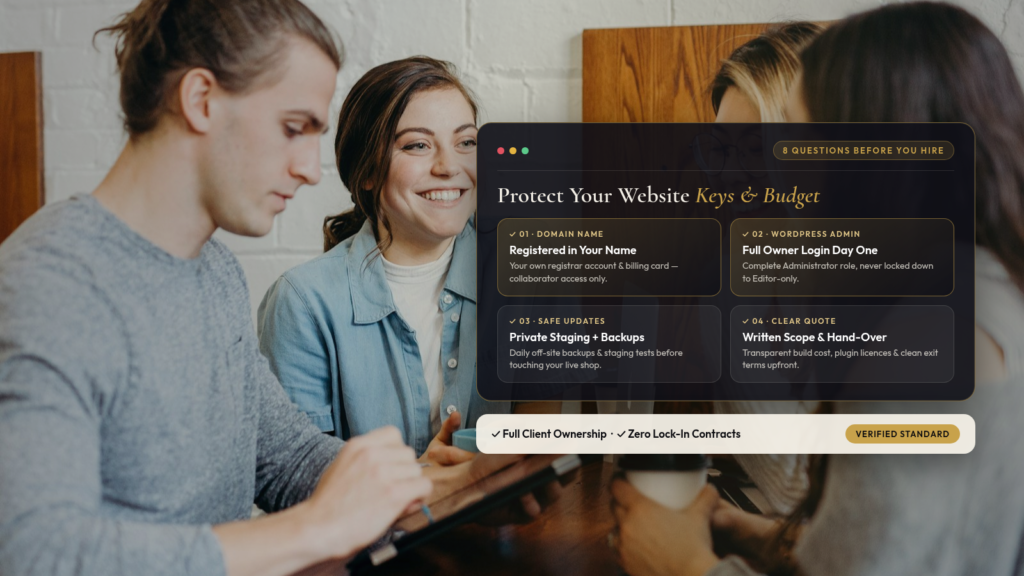
When something goes wrong with your website, such as a plugin update breaking your layout, your contact form stopping sending, or a security alert landing in your inbox, it is tempting to start hiring a web designer who promises to sort it out by tomorrow.
Most web designers and developers are honest, hardworking people who want to do a good job for you. Occasionally, though, a small business owner signs up for a quick fix or a rebuild and only discovers a year later that they don’t actually own their domain name, don’t have a full administrator login, and can’t move their website without paying a hefty release fee.
Before hiring a web designer — or handing over a deposit or the keys to your website to anyone (including us) — ask these eight plain English questions. It takes five minutes, and a good developer will be glad you asked.

1. Will the domain name stay registered in my name?
Your domain name (the .co.uk or .com address on your signage and vans) is the single most important digital asset your business owns. It should always be registered in your own account, with your business email address and your payment card on file.
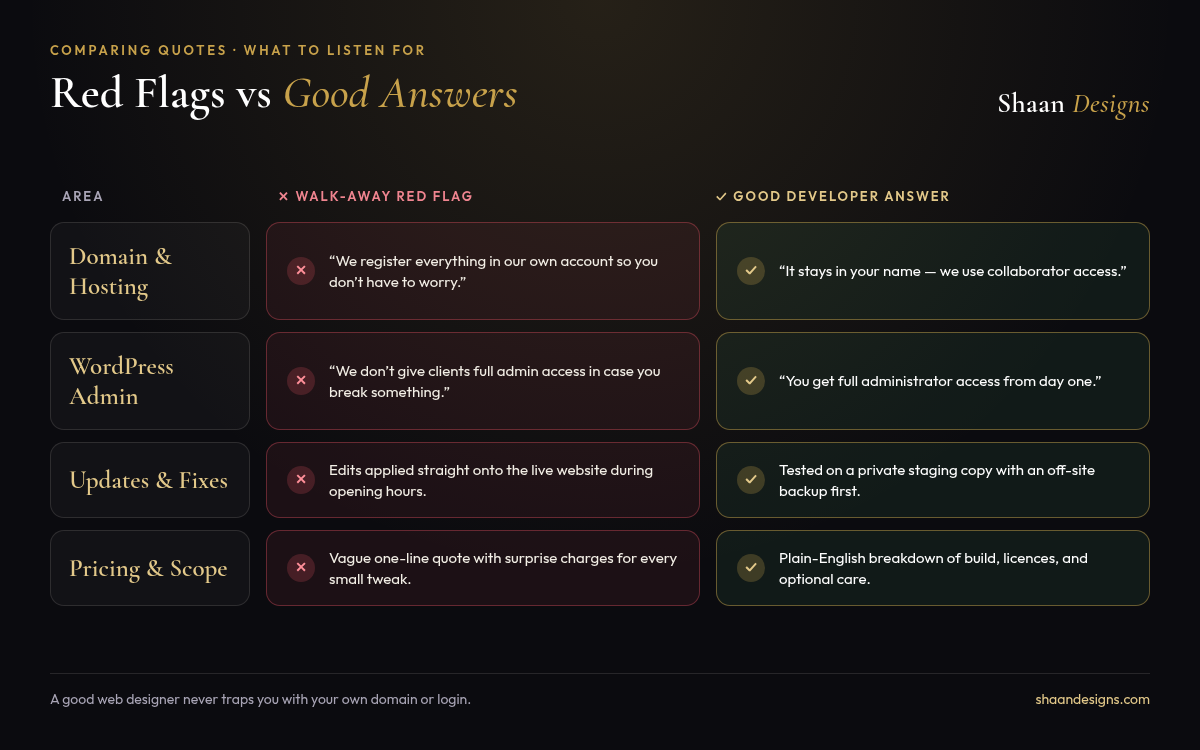
- Good answer: “Yes. If you already own it, you just grant us collaborator access or point the DNS records. If we help you buy a new one, we set the account up in your name.”
- Red flag: “We register all client domains in our agency account so you don’t have to worry about it.”
2. Will I have my own full administrator login from day one?
Even if you never plan to touch the technical settings yourself, you should always hold a full Administrator user account on your own WordPress, Shopify, or Webflow site.
- Good answer: “Of course, you are the owner. We’ll set up your full admin login and show you which buttons you need for everyday edits.”
- Red flag: “We only give clients an Editor login in case you break something.”
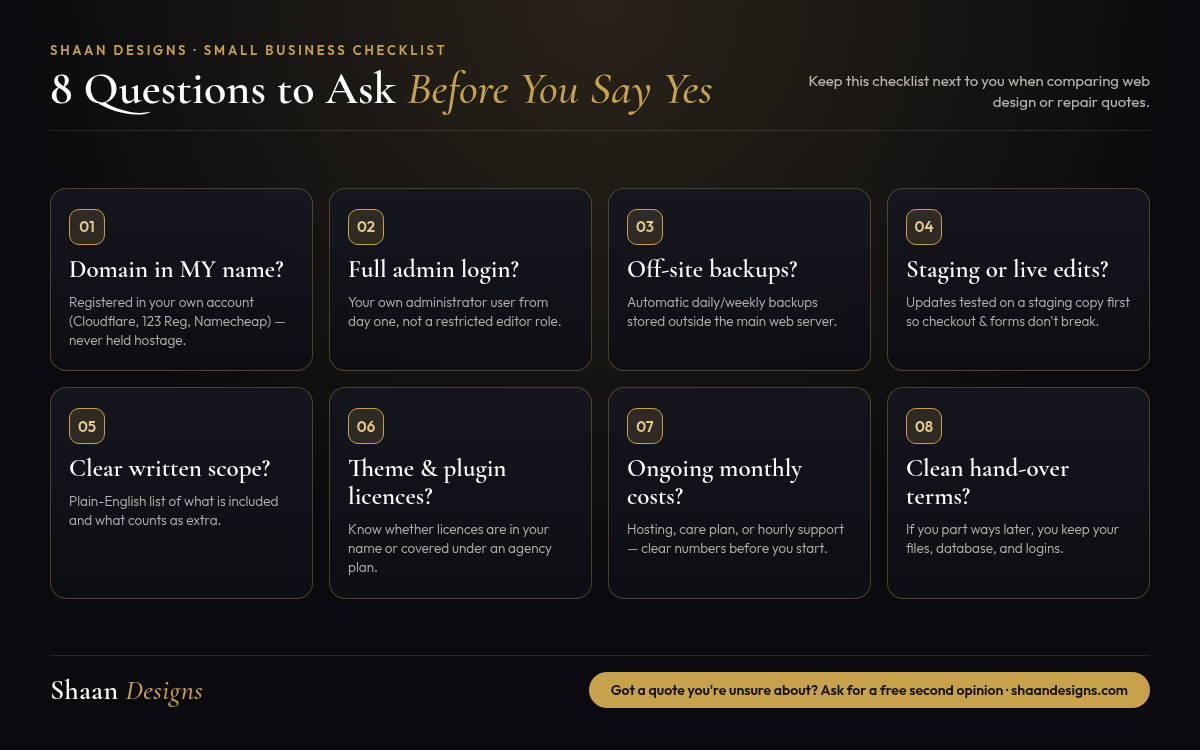
3. Where are backups stored, and how often do they run?
A backup saved in the exact same folder as your live website won’t save you if the hosting account itself goes down or gets compromised. You want automatic daily or weekly backups stored off site, and someone who has actually tested restoring one.
- Good answer: “We take a full backup before touching anything, and your site runs automated daily off site backups retained for at least 14 to 30 days.”
- Red flag: “Your hosting company probably handles that automatically.”
4. Will you test changes on a staging copy or edit the live site directly?
For a tiny text tweak, editing live is fine. For major plugin updates, PHP upgrades, checkout changes, or fixing a broken layout, working directly on the live site during trading hours risks taking your booking system or shop offline in front of customers.
- Good answer: “We clone the site to a private staging link first, test your forms and checkout there, and push it live once everything works.”
- Red flag: Clicking “Update All” on a live site at midday on a Friday without taking a backup first.
5. What is included in this price, and what counts as extra?
Most misunderstandings between business owners and web developers happen because the quote was too vague. Before paying a deposit, make sure you have a short written scope in plain English covering what will be fixed or built, how many rounds of changes are included, and what happens if you ask for extra pages later.
6. Who pays for any paid themes or plugins, and are the licences in my name?
Many WordPress sites rely on paid plugins for forms, bookings, or page building. Sometimes a developer uses their own multi site “agency licence”, which saves you money upfront, though it means those plugins stop getting security updates if you ever part ways. Neither approach is wrong, as long as they tell you upfront which plugins would need their own licence later.
7. What will this cost me per month or per year once the job is finished?
Always ask for the ongoing numbers alongside the build or repair quote: web hosting, domain renewal, any paid plugin renewals, and whether a monthly care plan is optional or mandatory.
8. If we part ways in two years, how does the handover work?
It feels slightly awkward to ask this at the start of a project, which is exactly why it’s such a good question. A confident professional has a simple, friendly answer: your website files, database, and domain belong to you once paid for, and if you ever move on, they will hand everything over cleanly.
Got a website quote you’re unsure about?
If you’ve been sent a quote to fix or rebuild your website and want a straight, jargon free second opinion on whether the scope and pricing make sense, send it over. Even if you don’t hire us, we’ll tell you honestly what looks fair and what to double check.