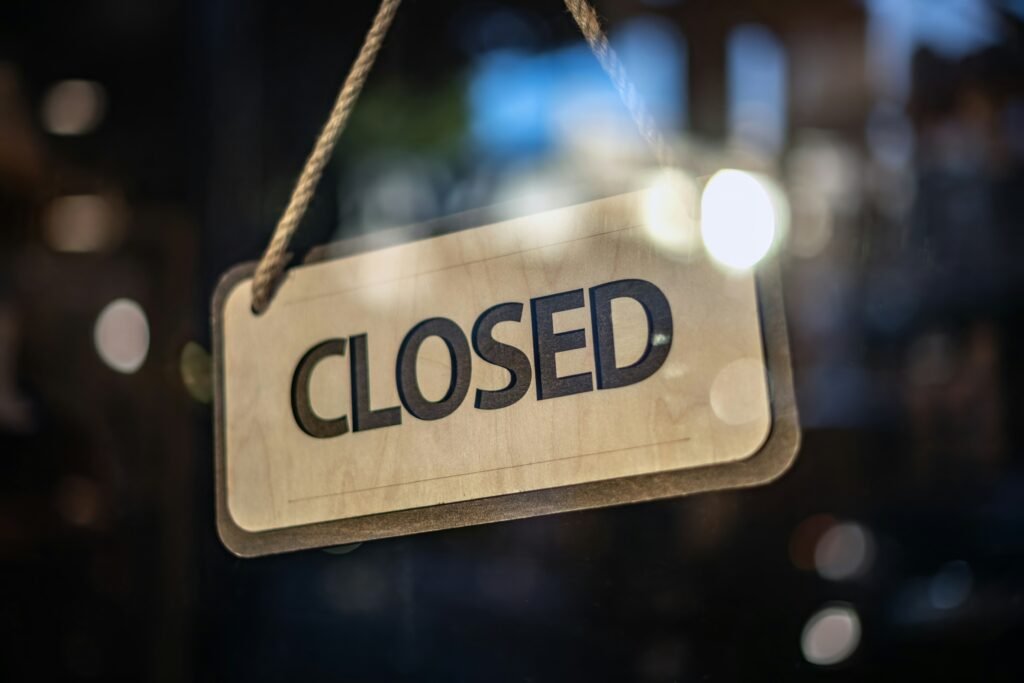
This week Alton Towers announced it was closing one of its themed areas for good. Where did it make the announcement? On its own website, with a line encouraging guests to check the website and app for the latest opening information before they visit.
That’s the right instinct, and it works just as well for a campsite, a seaside café, an ice cream parlour, a pumpkin farm or a boat hire business. When you’re closed for the season, your website becomes the front door. People still find you on Google in December. They still look you up when they plan next summer. The question is what they see when they do.
Here’s how to make the off season work for you.
1. Say it at the very top
The worst off season website is the one that looks exactly like it did in August. Someone plans a visit, drives out, and finds a locked gate.
Put one clear line at the top of the homepage: “We’re closed for the season. We reopen on Saturday 20 March.” If you’re not sure of the date yet, say “We reopen in spring. Sign up below and we’ll tell you the date first.” Never leave a visitor guessing whether you’re open.
If something is still running, say so in the same line: “The café is open at weekends” or “Christmas markets on 5, 12 and 19 December”.
2. Give people somewhere to go
“Come back in March” loses people. “Tell me when you reopen” keeps them.
Add a simple sign up box: name and email, nothing else. When you reopen, you have a list of people who already want to come. For a seasonal business, that list can be the difference between a slow April and a busy one.
3. Sell next season now
Winter is when people buy presents. If you’re closed for the season, vouchers and early bookings are what keep December useful. A gift voucher for a summer day out, a glamping weekend or a boat trip makes a lovely Christmas gift, and it’s money in December for a business that’s otherwise quiet. It’s worth building a proper digital gift journey instead of a flat PDF.
Other things that can sell over winter: early booking for popular summer dates, season passes, and deposits for group bookings. Put them in one place on the homepage while you’re closed, not buried in a menu.
4. Tidy up what’s gone
If a ride, a menu, a room or a service won’t be back next year, take it off the website now. Old pages can hang around in Google search results for a while, and nothing disappoints a customer more than booking something that no longer exists.
Check your photos too. If your homepage still shows the old play area, swap the picture.
5. Make Google and your socials match
Customers check more than one place. Update your Google Business Profile with special hours for the dates you’re shut (or mark it as temporarily closed if you’re shut for months), and pin a post on Facebook and Instagram with the same wording as your website. Same dates, same words, everywhere.
6. Keep a sign of life
A website that hasn’t changed since September can look abandoned by January. You don’t need a blog schedule. One short update a month is plenty: a photo of the new decking going in, a “we’re hiring for summer” note, a date for the reopening party. It tells customers you’re still here.
An example
Imagine a small seaside ice cream parlour (made up for this article). In October their homepage still says “Open every day 10 till 6”. Over winter, people turn up to a shuttered shop and leave a review saying so.
With one afternoon’s work, that changes: a banner saying “Closed until Easter, see you on Good Friday”, a sign up box for “first scoop of the season”, summer sundae vouchers promoted as Christmas gifts, and their Google profile updated with the reopening date. Same shop, same winter, but now the website is working while the freezers are off.
Closed for the season: the 30 minute website checklist
- A line at the top of the homepage: closed, reopening date, what’s still on.
- A sign up box for reopening news.
- Gift vouchers or early bookings for next season, front and centre.
- Remove anything that won’t be back.
- Google Business Profile and socials updated with the same words.
- One short update a month.
Closed for the season: quick answers
What should I put on my homepage when I’m closed for the season?
One clear line at the top saying you’re closed, when you reopen (or “in spring” plus a sign-up form), and anything still running.
Should I use Google special hours or temporarily closed?
Use special hours for a short closure of about a week or less. Mark the profile as temporarily closed if you’re shut longer, for the off season, or indefinitely. Match the wording on your site and socials.
What can a seasonal business still sell over winter?
Gift vouchers for next season, early bookings for popular dates, season passes and group deposits, shown on the homepage.
Want a second pair of eyes?
Reply WINTER on X, or email contact@shaandesigns.com, and I’ll check your website’s off season message for free and tell you the one change that will matter most. You can also call or WhatsApp on +44 7787 090 526, or start a project.
Waqar, Shaan Designs