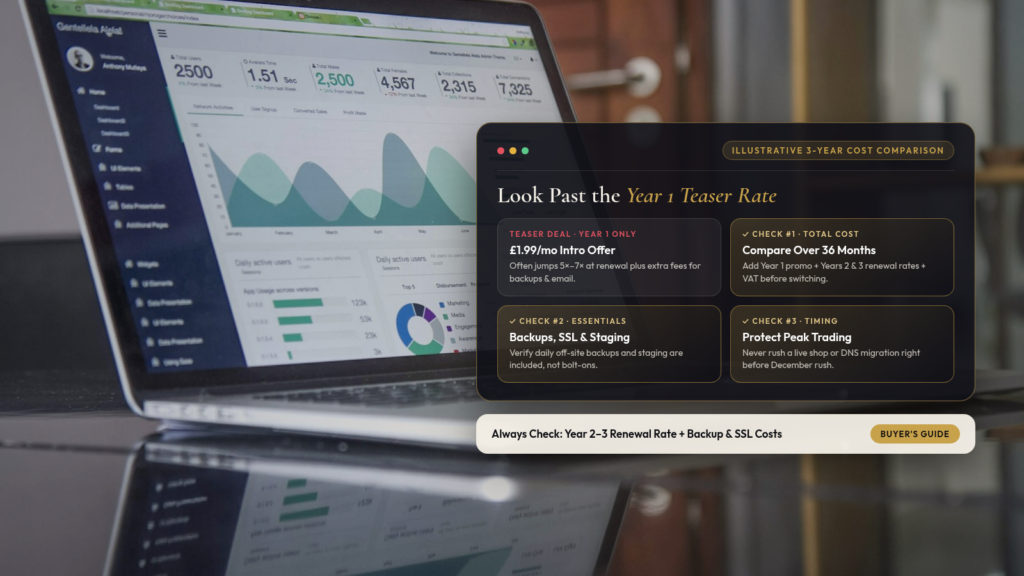
Every November, Black Friday hosting deals start shouting numbers like “£1.49 a month, 85% OFF for Black Friday!”
If you’re currently paying £15 or £25 a month to host your business website, it’s completely natural to wonder whether you’re being overcharged. Sometimes a Black Friday deal genuinely is a tidy saving. Very often, though, that headline price only applies to the first twelve months, and the renewal bill in Year 2 quietly triples or quadruples, with basic essentials like SSL certificates or daily backups bolted on as paid extras.
Before you move your website to save thirty quid, here is how to read Black Friday hosting deals properly in five minutes.
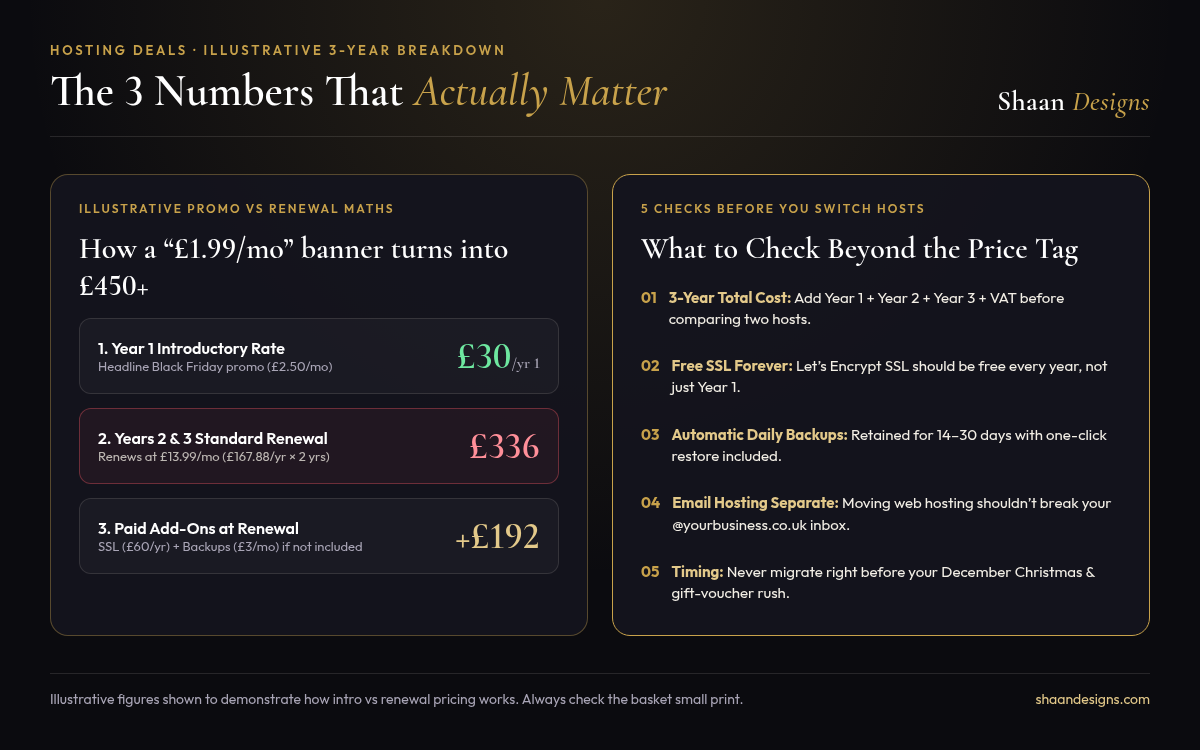
The 3 numbers that matter more than the banner price
When you click through to any hosting checkout page this month, ignore the giant countdown timer at the top and look at the small print underneath the basket total for three specific numbers:
- The Year 1 introductory price (including VAT).
- The standard renewal rate for Years 2 and 3.
- What happens to SSL, backups, and email after Year 1.
Note: The figures below are an illustrative example to show how the maths works, not a quote from a specific provider.
- Plan A (“£2.50/mo Black Friday Special”): Costs £30 in Year 1. Renews at £13.99/mo (£167.88/yr) in Years 2 and 3, plus £60/yr for an SSL certificate that was only free in the first year, and £3/mo for automated backups. 3 year total: £557.76 + VAT.
- Plan B (Honest flat rate UK host at £10/mo): Includes free Let’s Encrypt SSL forever and automatic daily backups from day one. 3 year total: £360 + VAT.
5 things to check before you switch hosts
Even if the three year maths still works out in your favour, moving a live business website involves more than copying files across. Check these five details before you click buy:
1. Is the SSL certificate free every year?
Modern hosts include free, auto renewing Let’s Encrypt SSL certificates for the life of your account. If a host tries to charge you £50 to £80 a year at renewal just to keep the padlock in your browser bar, look elsewhere.
2. Are daily off site backups included as standard?
When a plugin update goes wrong, a one click daily backup from yesterday morning is worth its weight in gold. Check whether daily backups are included in the plan or sold as a monthly add on, and how many days they are kept.
3. Where does your business email live?
This is the number one trap during DIY hosting migrations. If your info@yourbusiness.co.uk email boxes live on your old web hosting package and you switch the domain’s nameservers to a new host on a Friday afternoon, your emails will stop arriving immediately. Always check your DNS and MX records before touching nameservers.
4. What happens when something breaks at 8pm?
Budget shared hosting is cheap partly because support is often a slow chatbot queue. Ask yourself what an evening of lost bookings or enquiries costs your business compared with saving £4 a month.
5. Don’t migrate right before your Christmas rush
If you run a restaurant, salon, retail shop, or hospitality venue selling Christmas bookings or gift vouchers, late November is the worst time of year to uproot your live website. Even a smooth migration can mean a few hours of DNS propagation or a forgotten email setting. If you do buy a multi year hosting deal for the discount, wait until the quiet first week of January to move the live site across.
Not sure whether your current hosting renewal is fair?
Forward us your renewal notice or the Black Friday deal you’re looking at. We’ll tell you in two minutes what the true three year cost is and whether it’s worth moving.